Free AI Face Swap — No Login Required
Try Free Now

Transcribe Video to Text Online

Transcribe video to text for FREE with AI — upload any video or paste a link to convert video to text in seconds. Get an accurate video transcript in 100+ languages. No signup needed.

Upload or drag & drop a video or audio file here.
MP4, MOV, WebM, MP3, WAV, M4A, FLAC, OGG and more supported.

Covert Video & Audio to Text for Free in 3 Simple Steps

Generate any video's transcript in under a minute.

  1. Upload or Paste

    Choose a file from your computer, drag and drop it into the upload box, or paste a Video link. The video transcriber supports MP4, MOV, and other common formats.

  2. Transcribe to Text

    The tool processes your file automatically. The AI converts spoken words into accurate text, with the option to recognize different speakers and select your preferred language.

  3. Export or Share

    Once the transcription is ready, copy the text to your notes, download it as TXT, SRT or VTT, or share it with teammates. Click any line in the transcript to jump to that part of the video.

Everything You Need to Convert Video to Text

Use our free AI video transcriber to extract the transcript from any video. We also add other powerful features to make your learning, creating, and sharing easier than ever.

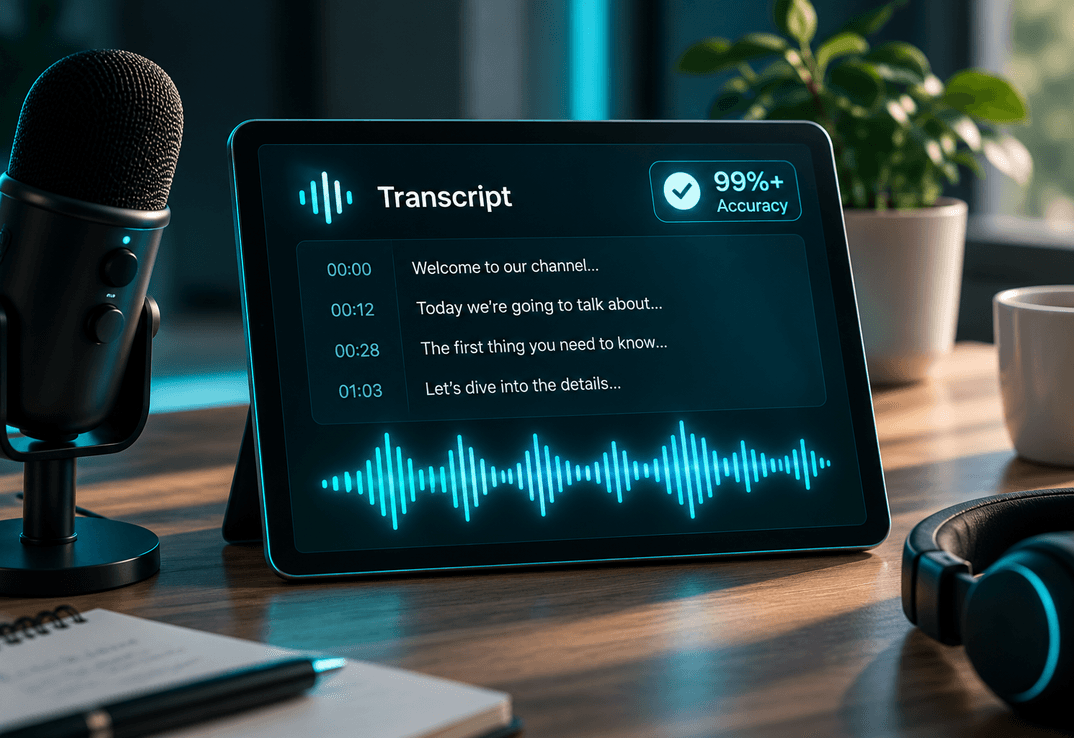
High-Accuracy Transcription You Can Trust

Powered by state-of-the-art speech recognition, our video transcriber delivers clean, reliable text even with fast speakers, background noise, or strong accents. Every transcript comes with punctuation and paragraph breaks already in place, so the text is ready to use — not ready to correct.

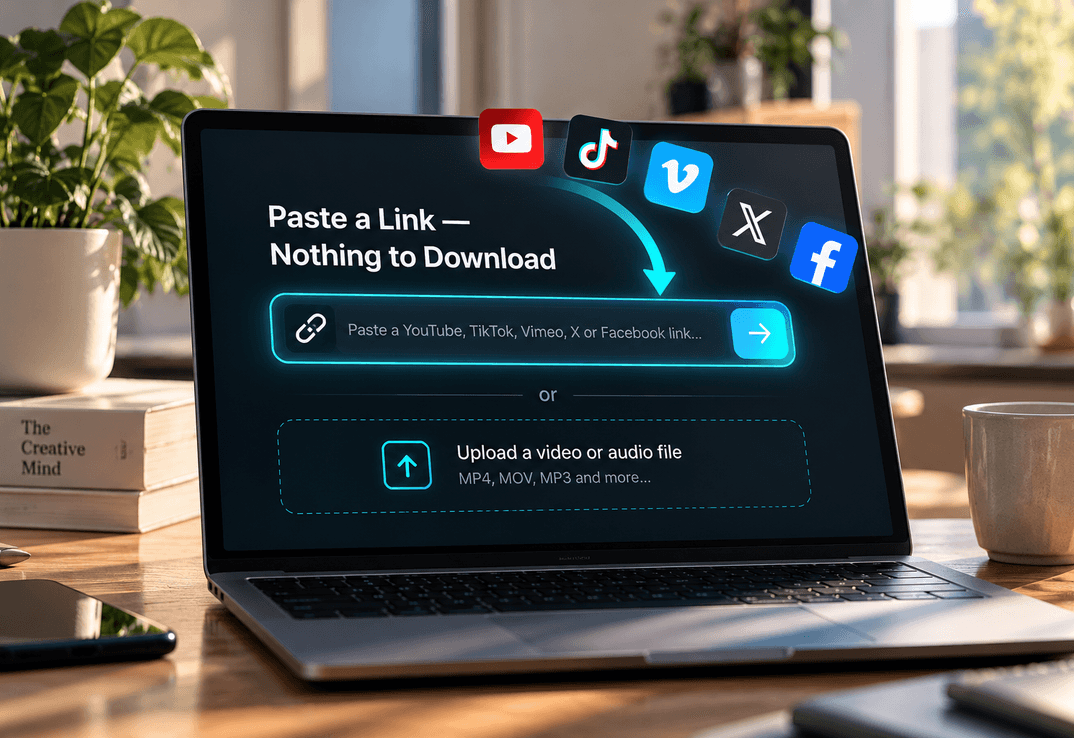
Paste a Link — Nothing to Download

Give us a YouTube, TikTok, Vimeo, X, or Facebook link and we fetch the transcript directly. No downloading, no converting, no re-uploading — just the words of the video, ready to copy or save. Uploading local MP4, MOV, MP3 and other files works just as fast.

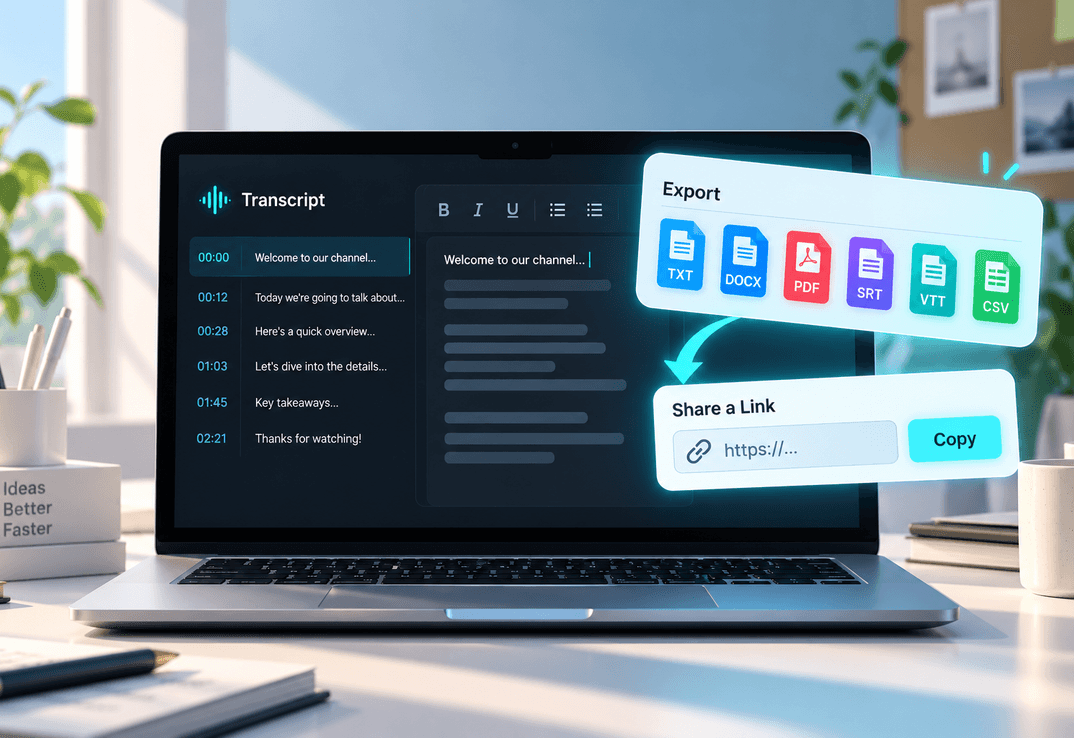
Edit, Export & Share in Any Format

Refine your transcript in a built-in editor: fix a misspelt name, adjust timestamps, or label speakers in seconds. Then export as TXT, DOCX, PDF, SRT, VTT, or CSV, or share a link so teammates can view it online — perfect for captions, notes, and repurposed content.

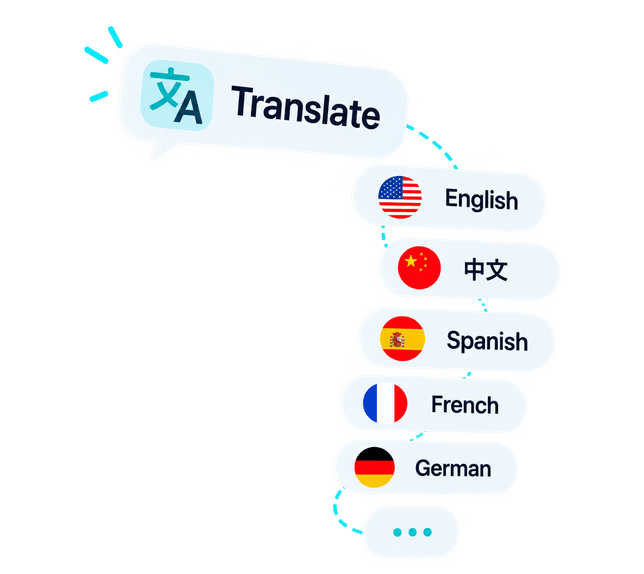
100+ Languages with AI-Powered Insights

Transcribe video to text in 100+ languages and translate the transcript with one click. Go beyond the words: generate AI summaries, mind maps, and key questions from any recording — turning hours of video into study notes, show notes, or blog drafts in minutes.

Why You Need a Video Transcriber

From short voice notes to long-form recordings, people around the world use our video transcriber to turn video and audio into text they can actually work with.

  • Students & Self-Learners

    Turn lectures and online courses into instant transcripts. Quickly find key concepts, copy important notes, and review hours of material in minutes with AI summaries — never waste time rewinding again.

  • Writers, Bloggers & Content Creators

    Need a summary or a blog post based on a video? Grab full transcripts to repurpose content into articles, social posts, or SEO copy in minutes. Extract quotes and timestamps for faster writing.

  • Video Editors & Short-Form Creators

    Editing long videos for highlights or viral clips? Use transcripts to locate quotable moments fast — no scrubbing, no guesswork. Export SRT or VTT subtitles straight into your editor.

  • Professionals & Teams

    Capture meetings, Zoom calls, and webinars, ensuring nothing important is lost. Speaker recognition labels who said what, so decisions and action items never get buried in the audio.

  • Teachers & Trainers

    Transcribe video to text for lesson plans, handouts, or captions, making learning materials more accessible for every student. Share transcripts with anyone who missed the class.

  • Researchers & Journalists

    Save hours by converting interviews or recorded talks into accurate text, ready for analysis or citation. Download transcripts as SRT files to load straight into your analysis software.

Trusted by Creators, Students & Marketers Worldwide

I teach English to international students, and I use this tool every week to pull transcripts from videos for reading exercises. The timestamp feature lets me point students to exact moments in the video, and translating the transcript into their native language takes one click. It has genuinely changed how I prepare lessons.

Jorge A. Villa, English Teacher & Programmer

Jorge A. Villa, English Teacher & Programmer

As a YouTuber, captions matter a lot. With this tool, I can transcribe video to text online and reuse the script for my blog posts.

Summer Santori, Content Creator & Founder

Summer Santori, Content Creator & Founder

As a linguistics researcher, I analyze spoken content from interviews and lectures. Accurate transcripts with timestamps are essential for citation, and downloading them as SRT files means I can load them straight into my analysis software. Fast, reliable, and the free tier is more than enough for my workflow.

Miguel R., Linguistics Professor & Researcher

Miguel R., Linguistics Professor & Researcher

I teach English to international students, and I use this tool every week to pull transcripts from videos for reading exercises. The timestamp feature lets me point students to exact moments in the video, and translating the transcript into their native language takes one click. It has genuinely changed how I prepare lessons.

Jorge A. Villa, English Teacher & Programmer

Jorge A. Villa, English Teacher & Programmer

As a YouTuber, captions matter a lot. With this tool, I can transcribe video to text online and reuse the script for my blog posts.

Summer Santori, Content Creator & Founder

Summer Santori, Content Creator & Founder

As a linguistics researcher, I analyze spoken content from interviews and lectures. Accurate transcripts with timestamps are essential for citation, and downloading them as SRT files means I can load them straight into my analysis software. Fast, reliable, and the free tier is more than enough for my workflow.

Miguel R., Linguistics Professor & Researcher

Miguel R., Linguistics Professor & Researcher

Frequently Asked Questions

Yes. You can transcribe video to text at no cost — no account, no credit card, and no trial that expires. Upload a file or paste a link and get your transcript in seconds.

cookieWe use cookies to improve your FliFlik experience. Read our policy here.